AI Baby Filter
AI Baby Filter turns one selfie into the baby, child or teen you might have been, keeping your eyes, smile, face shape and skin tone. Your first result is free.
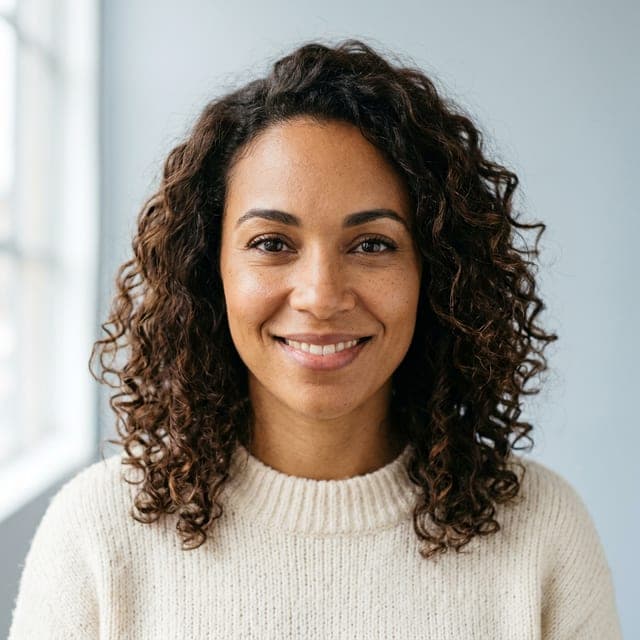
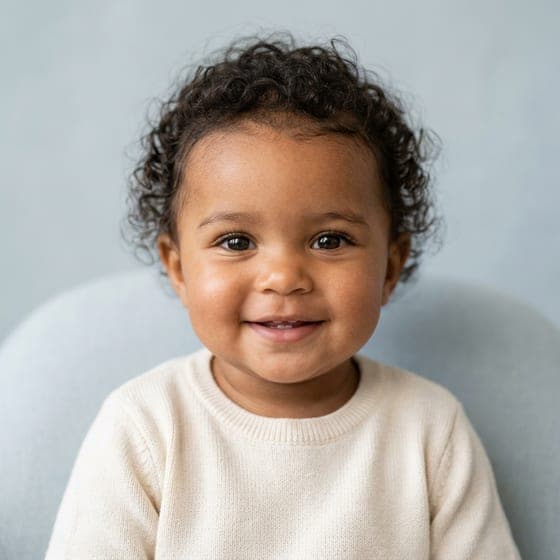
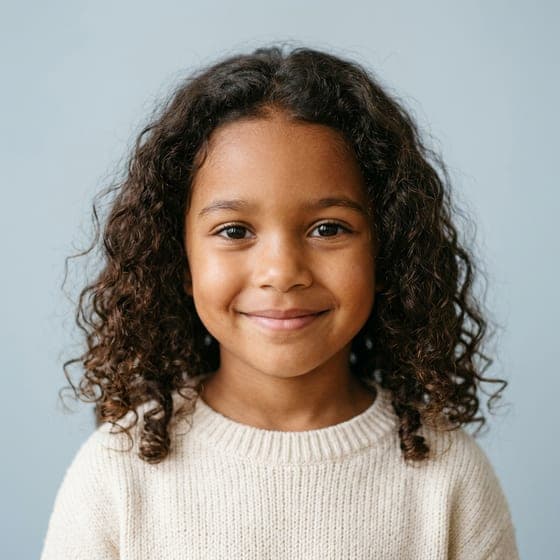
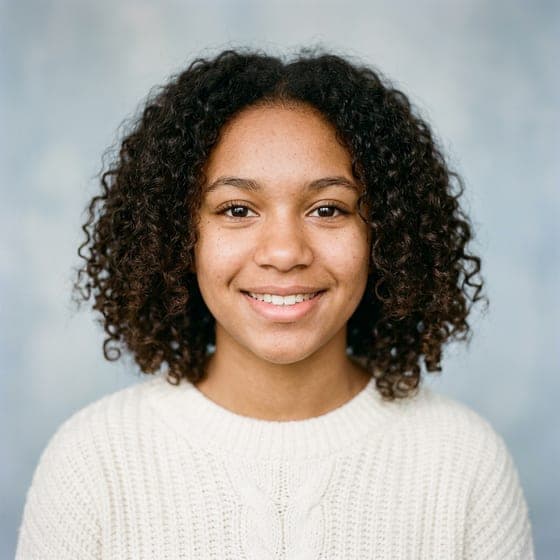
Example photos are AI-generated, fictional people.
Takes about a minute. Nothing is charged yet.
- First result freeNo card needed
- Photo deleted in 24 hoursNever kept or used for training
- Your features keptSkin tone, eyes, hair, face shape
- One-time packsOr an optional monthly plan, cancel any time
Try the AI Baby Filter Online
AI baby filter turns one adult selfie into 2 photo-real portraits of the same person as a baby, child or teen, keeping eye shape, smile, face shape and skin tone.
Try the baby filterBaby (about 1) Child (about 6) Teen (about 15)
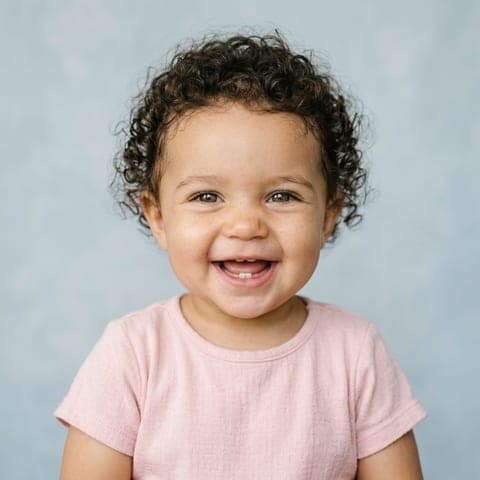
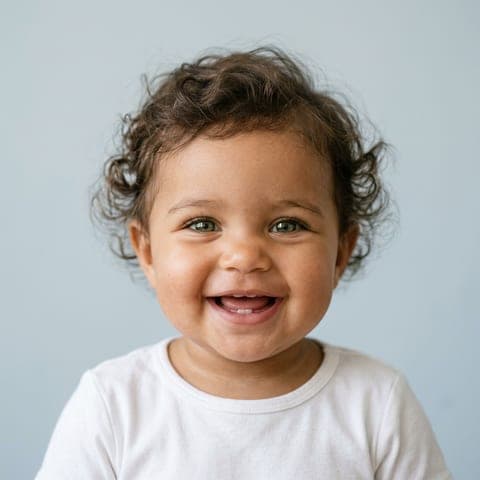
Example: a fictional, AI-generated person.
AI Baby Filter Effects We Provide
Five AI baby filter effects work today: adult to baby, future baby for couples, child and teen ages, anime, and celebrity. An animated video effect is coming soon. The future baby effect for couples is our full AI baby generator, which mixes two parents' photos into their children.
Adult to Baby Face Filter
Adult to Baby Face GeneratorTurns one selfie into a realistic baby version of the same person, keeping eye shape, smile, face shape, and skin tone.
Future Baby Filter for Couples
Blends two parent photos into a predicted baby face, with a boy or girl option and features from both partners.
Child and Teen Age Filter
Shows the same face beyond the baby stage, at about 1, about 6, or about 15 years old.
- Coming soon
Animated Baby Filter Video
Turns a still baby result into a short moving clip, ready to share on TikTok or in messages.
Anime Baby Filter
Anime Baby GeneratorDraws the baby in an original anime style instead of a photo, keeping eye shape, hair color, and face structure recognizable.
Celebrity Baby Filter
Celebrity Baby GeneratorCombines your photo with a celebrity's into a playful baby for private fun. Get consent before publicly sharing any image of a real person's likeness.


Why Choose AI Baby Generator for Your Baby Filter?
Realistic Baby Faces That Keep Your Features
Realistic baby faces keep the eye shape, smile, face shape, and skin tone of your original photo. Unlike generic infant templates, the AI baby filter holds a recognizable link between you and the baby image.
Baby Filter Skin Tone Accuracy for Every Heritage
Skin tone in every baby filter result stays true to the uploaded photos, for every heritage and for mixed couples. Where generic filters lighten or average skin tones, our AI baby filter preserves them.
Several Baby Filter Results per Upload
Each upload returns several baby filter results instead of a single guess. Compare ages (a baby at about 1, a child at about 6, a teen at about 15) and, for couples, boy and girl versions and different resemblance mixes of each parent's features.
AI Baby Filter Pricing
AI baby filter starts with a free preview of 1 portrait. After that, credit packs are paid once, or an optional monthly plan cancels any time: 1 credit is 1 portrait, and paid portraits download full size with no watermark.
Starter
Two full runs of four children.
$4.99one-time
- 8 images
- 2 runs of 4 children
- Full size, no watermark
- Credits never expire
- Never renews
Most popular
Family
Try every age, twins and a family portrait.
$9.99one-time
- 20 images
- 5 runs of 4 children
- Full size, no watermark
- Credits never expire
- Never renews
Big family
For the whole family to play with.
$19.99one-time
- 50 images
- 12 runs of 4 children
- Full size, no watermark
- Credits never expire
- Never renews
How Our AI Baby Filter Works
The AI baby filter works in three steps: upload a clear photo, choose the age and style, then download your baby face in HD.
Upload a Photo to the Baby Filter
A clear, front-facing photo with even light and no hats, sunglasses, or shadows gives the most accurate baby face. Upload one selfie for the adult to baby filter or two parent photos for the future baby filter, in JPG, PNG, or WEBP format.
Choose the Baby Filter Age and Style
Pick an age stage: a baby (about 1), a child (about 6) or a teen (about 15). The adult to baby filter makes photo-real portraits; the future baby filter for couples can also draw in anime style, and its boy or girl option changes how the baby looks, without predicting actual gender characteristics.
Download the Baby Filter Result in HD
Finished baby faces download in HD, with clear eyes, skin texture, and smile lines on any screen. Save several variations from one session in standard image formats, ready for posts, profile pictures, or printed keepsakes.
Baby Filter Photo Privacy
Uploaded photos are encrypted in transit and processed in a secure environment. The baby filter deletes them within 24 hours and never uses them to train AI.
AI Baby Filter FAQ
What Is an AI Baby Filter?
An AI baby filter is an image tool that transforms a face into a baby version or predicts a future baby from two faces. AI baby filters use facial landmark detection to identify key points on the face. Age regression algorithms then convert adult features to infant proportions. Feature blending merges traits from two parent photos into one predicted child. AI baby filters analyze eye shape, smile, face shape, and skin tone, then apply infant characteristics like softer skin and rounder features while keeping recognizable traits. The two kinds of AI baby filter are the baby face filter, which regresses one existing face, and the future baby filter, which predicts a new child by blending features from two parent photos.
What Is the Difference Between a Baby Face Filter and a Future Baby Filter?
The difference between a baby face filter and a future baby filter is the input: a baby face filter regresses one existing face into an infant version of that person, while a future baby filter predicts a new child's appearance by blending features from two parent photos. Both filter types use the same technologies, facial landmark detection and infant rendering, to produce realistic results. The baby face filter keeps the original face shape and eye structure of one person, whereas the future baby filter combines two sets of parental features.
How to Choose an AI Baby Filter App?
The criteria for choosing an AI baby filter app are listed below:
- Realism: The app should produce realistic baby faces that preserve the original eye shape, smile, face shape, and skin tone, which separates a high-quality filter from generic templates.
- Skin Tone Handling: The app should keep the skin tones of both uploaded photos, especially for mixed-heritage couples, rather than lightening or averaging them.
- Free Preview Limits: The free preview limits cover the number of generations, available styles, resolution, and download options before payment is required.
- Privacy Policy: The privacy policy should explain how the service encrypts and handles uploads, whether it stores facial data, whether third parties process the images, and whether the privacy practices meet consumer data security expectations.
- Output Options: The app should offer multiple baby variations, boy and girl versions, child and teen ages, anime styles, and HD downloads.
Baby AI Generator meets each criterion with realistic baby faces, accurate skin tone handling, and a full set of output options.
How Is an AI Baby Filter Different From the Remini Baby Filter?
A dedicated AI baby filter and the Remini baby filter differ in scope: Remini runs its baby effect inside a broader photo enhancer app, while a dedicated AI baby filter focuses on baby faces alone. Remini's baby tool requires multiple selfies to generate a baby transformation and sits inside a platform that improves many photo aspects beyond age transformation. A dedicated AI baby filter creates a baby face from one adult photo or blends two parent photos. The dedicated AI baby filter's specialization delivers realistic infant faces through targeted age regression and feature blending, built for quick, purpose-built results.
How Accurate Is an AI Baby Filter?
An AI baby filter is accurate as a visual likeness, not as a genetic forecast. The filter analyzes the facial features visible in uploaded photos and uses age regression algorithms to create an infant version, but an AI baby filter cannot predict genetic outcomes the way a DNA test does. AI baby filter accuracy depends on photo quality: clear, high-resolution, front-facing images with even lighting produce more convincing baby faces than blurry or dimly lit shots. The filter captures surface characteristics such as eye shape, face structure, and skin tone from the parent photos and renders them in infant proportions, which makes the result a creative interpretation rather than a biological prediction.
Which Facial Features Does the Baby Filter Keep?
The facial features a baby filter keeps to preserve resemblance to the original photo are listed below:
- Eye Shape: The filter keeps the contours and dimensions of the eyes, so the baby version reflects the original eye structure.
- Smile: The filter keeps the natural smile pattern, so the transformed image reflects the person's genuine expression.
- Face Shape: The filter preserves the facial structure, including jawline and cheekbones, to maintain likeness.
- Skin Tone: The filter matches the skin tone to the original photo for realistic color consistency.
- Hair Color: The filter retains the original hair color for a recognizable transformation.
Can a Baby Filter Show Your Future Baby's Real Eye Color?
No, a baby filter only reads the eye color visible in the photo. The AI analyzes the iris pixels in the image and copies that visible shade into the baby result. Recessive eye color alleles carried by the parents never show in a photo, so a baby filter cannot predict whether two brown-eyed parents might pass on a blue-eye gene they carry but do not express. The National Library of Medicine confirms in "Is eye color determined by genetics?" (MedlinePlus Genetics, July 2022) that eye color inheritance is polygenic, with multiple genes contributing to the final phenotype. Parents with visible brown eyes can carry hidden alleles for blue, green, or hazel eyes that may appear in their biological children but stay invisible to any photograph-based AI tool.
How Did the AI Baby Filter Trend Start?
The AI baby filter trend started with Remini's mid-2023 AI photo update, which let users generate realistic images of themselves holding a child that resembles them and their partner. A July 2023 Catholic News Agency report by Kylie Gallegos, "New AI app sparks baby fever, but will it lead to more child commodification?", found that the new image feature put Remini at the top of the app charts. The Remini baby trend spread on TikTok in summer 2023, where the short-form video format carried before-and-after baby portraits shared under hashtags like #AIbabyfilter and #Remini to millions of viewers.
Is the AI Baby Filter Free to Use?
Yes, as a preview. After a free sign-up, your first run turns one adult photo into 2 baby portraits, small and watermarked, with no card needed. Keeping one full size with no watermark uses 1 credit, and credits also make more portraits, at other ages or as anime.
See yourself as a baby. Your first result is free
Try the baby filter