Baby Age Progression Generator: Watch Your Future Baby Grow Up
Baby age progression generator lets users watch a baby grow from about 1 year old to a teenager with AI. Builds a visual timeline of a child's development by aging one baby face through each stage. Meet your future baby from both parents' photos, then see the same child at 6 and at 15.


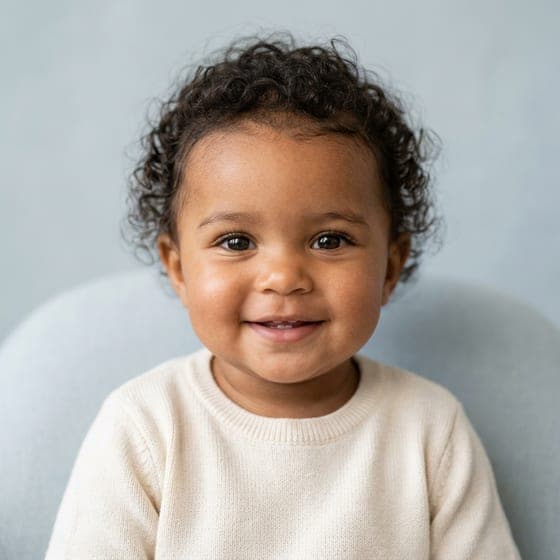
Baby
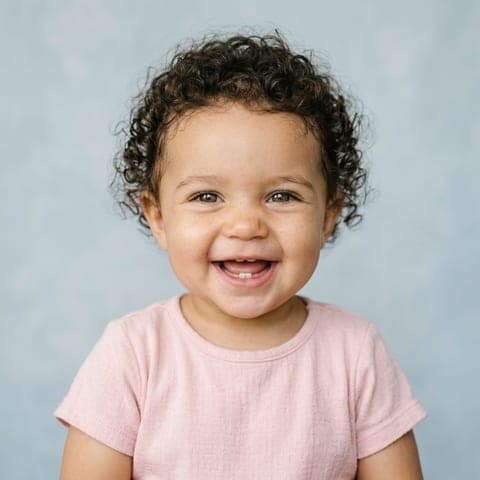
about 1
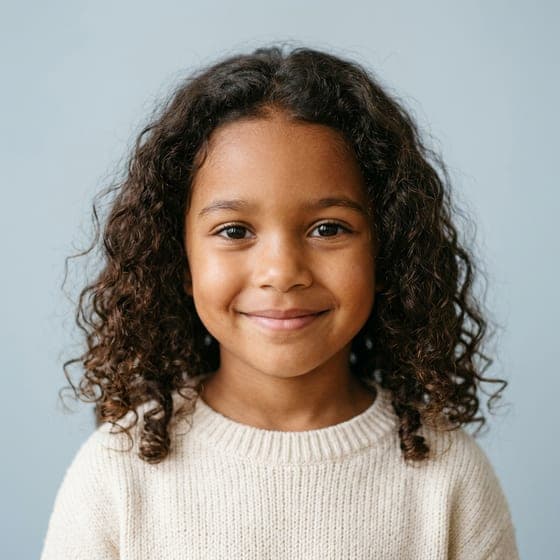
Child
about 6

Teen
about 15
Step 1 makes your baby. Then tap Grow up on your favorite.
Example child is fictional and AI-generated.
- First result freeNo card needed
- Same child, three agesBaby, child and teen
- Photos deleted in 24 hoursNever used for training
- One-time packsOr an optional monthly plan, cancel any time
How Does Baby Age Progression Work?
Two runs, a few minutes, one child growing up. The first run is the Baby AI Generator itself: meet your baby from both parents' photos, then tap Grow up.
Step 1: Upload a Photo of Each Parent
One clear, front-facing photo each. Pick boy, girl or surprise.
Step 2: Meet Your Future Babies
We make 4 different babies, each with a note on which traits came from whom. Choose your favorite.
Step 3: Tap Grow Up
The same baby at about 6 and about 15: 2 images, 2 credits. The AI uses your baby's picture, so it stays the same child.
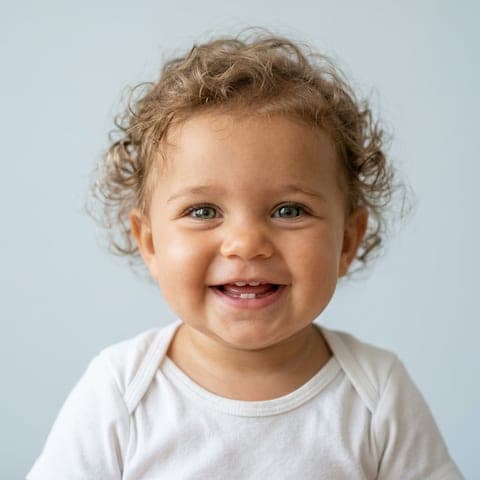
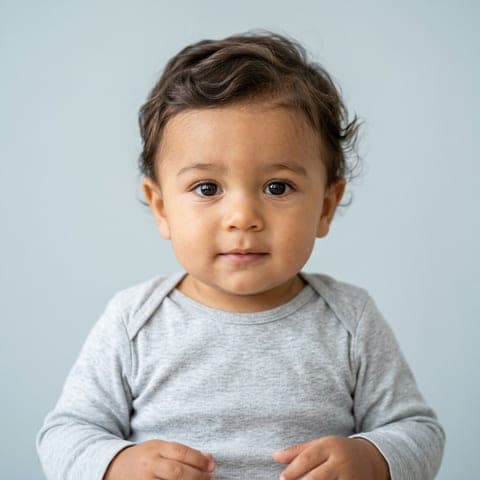

Baby Age Progression Stages We Generate
Each stage keeps the child's skin tone, eye color, hair color and texture and face shape, while the face grows the way faces do. To see yourself at these ages instead of your future child, try the AI Baby Filter.
Baby at About 1
Round cheeks, big eyes and soft features, with infant roundness just starting to fade.
Child at About 6
The face lengthens, the forehead gains height, baby fat leaves the cheeks and the nose looks more sculpted.
Teen at About 15
A longer face, a firmer jawline and a refined nose, with older proportions that keep the same identity.
Example: one fictional, AI-generated child.
How Accurate Is AI Age Progression for a Baby?
It's a likeness for fun, not a forecast. Real children change in ways no photo can predict: hair and eye color often shift in the first years, and growth spurts change faces fast.
What the AI can do is keep the same child consistent across ages, because each older version is drawn from your baby's picture, not from scratch.
Why Use Our Baby Age Progression Generator?
Most baby apps show you a different random child at every age. Here, the teen is visibly the same child as the baby.
The Same Child at Every Age
Each older version uses your chosen baby as its reference, so features carry through.
Built From Both Parents
The baby mixes both parents' real traits first. Growing up keeps that mix.
Skin Tone Checked
Every image stays within the expected skin tone range, or it's redone or refunded.
No Photo of a Real Child
We never ask for a photo of your child. The only child photo involved is the AI baby we made.
Credits That Never Expire
Packs start at $4.99, never renew, and their credits never expire. Grow up uses 2 credits.
Baby Age Progression Pricing
Your first baby result is free. After that, 1 credit is 1 image: a run of 4 babies uses 4 credits and Grow up uses 2. The same credits work across every generator.
Starter
Two full runs of four children.
$4.99one-time
- 8 images
- 2 runs of 4 children
- Full size, no watermark
- Credits never expire
- Never renews
Most popular
Family
Try every age, twins and a family portrait.
$9.99one-time
- 20 images
- 5 runs of 4 children
- Full size, no watermark
- Credits never expire
- Never renews
Big family
For the whole family to play with.
$19.99one-time
- 50 images
- 12 runs of 4 children
- Full size, no watermark
- Credits never expire
- Never renews
Baby Age Progression FAQ
What Is Baby Age Progression?
Baby age progression is the forward aging of a child's face with artificial intelligence. Baby age progression creates realistic portraits that show how a baby will look at future developmental stages. Families use baby age progression out of curiosity about a child's future appearance and to create keepsakes of predicted growth milestones from infancy through the teenage years. Age progression technology preserves the baby's core facial identity, including eye shape and bone structure, while applying age-appropriate changes such as facial lengthening, cheek slimming, and jaw development. Baby age progression works in stage-based intervals. Baby AI Generator makes three: a baby at about 1, a child at about 6 and a teen at about 15. Each stage reflects the anatomical changes of a maturing child, so the face in the teenager portrait is unmistakably the same child shown in the baby image.
What Is a Baby Age Progression Generator?
A tool that shows how a child might look as they grow. Ours first makes your future baby from both parents' photos, then shows that same baby at about 6 and about 15.
What Is the Difference Between Baby Age Progression and Age Regression?
Baby age progression ages a face forward, while age regression turns an adult face back into a younger version or a baby. Age progression shows how a child's facial features might mature over time into the teenage years and beyond. Age regression reverses the aging process. Both AI techniques preserve the person's recognizable identity while simulating realistic changes in facial characteristics.
How to Choose a Baby Age Progression Generator?
The criteria for choosing a baby age progression generator are listed below:
- Identity Consistency: The generator should keep the same recognizable face from baby to teenager, matching Baby AI Generator's consistent face feature.
- Age Range: The stages should cover early childhood to the teenage years. Baby AI Generator shows a baby at about 1, a child at about 6 and a teen at about 15.
- Privacy Protection: The service should process photos securely, without permanent storage or unauthorized use, protecting sensitive family images throughout the age progression process.
Can Age Progression Show Your Future Baby as an Adult?
Not here. Baby AI Generator shows the same child at three ages: a baby at about 1, a child at about 6 and a teen at about 15. It doesn't make adult versions.
How Does a Baby's Face Change as They Grow?
A baby's face changes from round and flat to longer and more angular as the child grows through the teenage years. An infant's face has rounded cheeks and a relatively flat profile. As the child grows, the face lengthens vertically, and the nose and jaw become more prominent. The cheeks slim and lose their infant fullness. During childhood, the nose grows at a steady pace and accelerates during puberty, while the lower jaw extends forward and downward. In adolescence, the growth changes produce a more defined jawline and facial structure, moving from the roundness of infancy to the angularity of the teenage years. A 2014 review by Sharma, Arora, and Valiathan in The Scientific World Journal, "Age Changes of Jaws and Soft Tissue Profile," found that the face grows more than the cranium after birth and that the human nose keeps growing downward and forward at least until adulthood begins.
When Do Babies' Facial Features Become Defined?
Babies' facial features become defined within the first few weeks after birth, when the initial newborn puffiness fades. Fading puffiness makes distinct facial features easier to see. Over the following months, the cheeks become fuller and the eyes gain definition. The American Academy of Pediatrics explains in "How Your Newborn Looks" (HealthyChildren.org, March 2021) that the general puffiness of a newborn's face comes from pressure during labor and fades within a few days. Facial definition is a natural part of the baby's face maturing as the skin settles into its natural texture and tone.
Does the Baby Age Progression Generator Keep the Same Child at Every Age?
That's the point: each older version is drawn from your baby's picture, keeping skin tone, eyes, hair and face shape. Like any AI image, small details can vary.
Can the Baby Age Progression Generator Age a Photo of My Real Child?
No. We don't accept photos of children for any feature. Age progression works on the AI babies we generate for you.
How Much Does the Baby Age Progression Generator Cost?
Your first baby result is free. Grow up uses 1 credit per image: 2 credits for child and teen. Packs start at $4.99, paid once, and a monthly plan is optional.
What Happens to Photos Uploaded to the Baby Age Progression Generator?
The parents' photos are used only for your results and deleted within 24 hours. Your babies and their grown-up versions stay in your account until you delete them.
Watch your future baby grow up. Your first result is free
Generate my baby